Reverse engineering: from PCB to bare-metal firmware
How we analyse and migrate firmware on devices we own: from the first debug pad to U-Boot, NAND flash and a clean OpenWrt port.
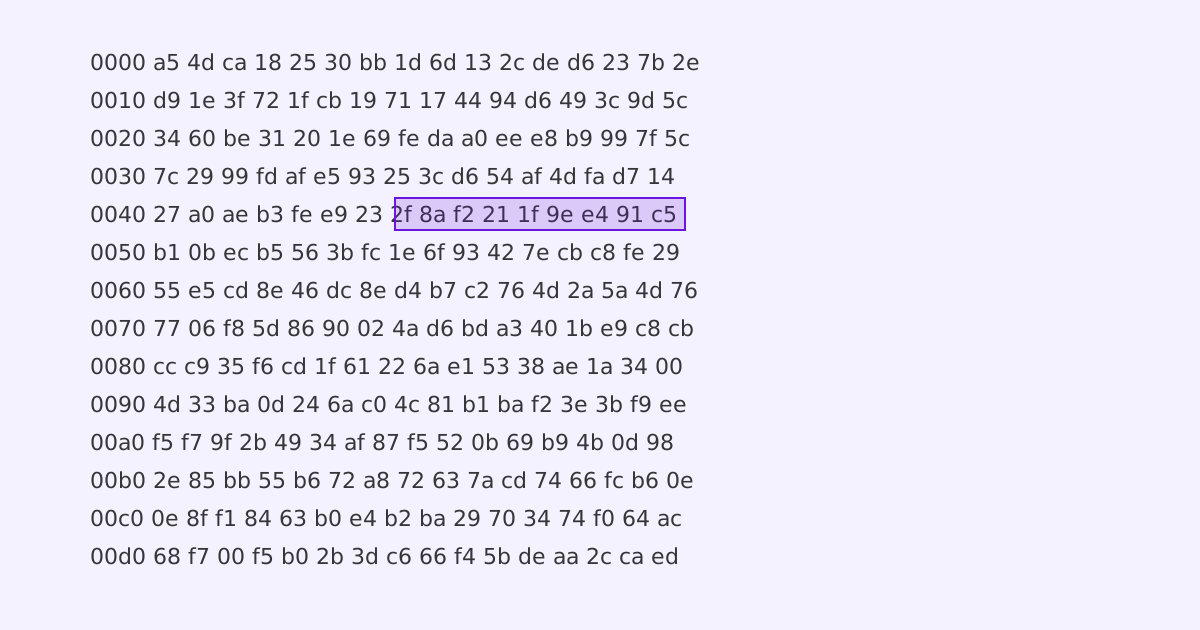
Closed devices make promises we cannot check. Reverse engineering is how we check them: not to copy a product, but to understand what it actually does, where it is weak, and how to fix or replace its software. This is the workflow behind our hardware security audits and firmware migrations.
1. Find a way in
Most devices expose at least one debug path. Look for it before you reach for heavier tools, and map the board first: PCB reversing starts with finding the SoC, the flash chip and the serial pads.
| Interface | What it gives you | Typical effort |
|---|---|---|
| UART | Boot log, often a U-Boot prompt | Low: find pads, match baud rate |
| NAND / SPI flash | The full firmware image | Medium: clip on or dump from the bootloader |
| SWD / JTAG | Debugging and memory access | Medium: may be locked |
| Update file | Firmware without opening the case | Low: download and unpack |
2. Get the image and look around
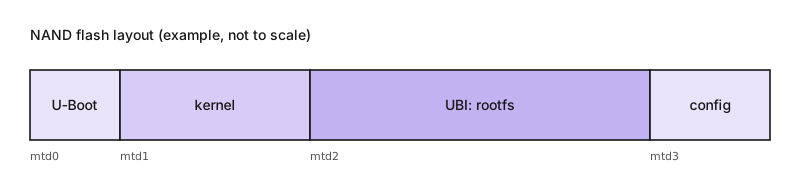
With a U-Boot prompt you can often read flash directly. NAND flash adds a twist: the layers (MTD partitions, UBI volumes, bad-block handling) have to be understood before the content makes sense.
file firmware.bin                 # what does it claim to be?
binwalk firmware.bin              # find embedded filesystems and compressed blobs
binwalk -e firmware.bin           # extract them
strings -n 8 firmware.bin | less  # readable text: URLs, keys, versions
You can’t trust code that you did not totally create yourself.
— Ken Thompson, Reflections on Trusting Trust
We cannot recreate every dependency, which is why we verify instead of trust.
3. Stream instead of storing
Embedded devices rarely have room for a full copy of their own flash. Streaming a partition to the host, for example through a named pipe or a network socket, avoids that limit and lets you hash and unpack on the fly. The flag syntax of nc differs between netcat variants.
# on the host: receive the partition and unpack the UBI image
nc -l 9000 > mtd3.bin
ubireader_extract_files mtd3.bin

# on the device: stream a raw partition instead of copying it locally
nanddump --bb=dumpbad /dev/mtd3 | nc 192.0.2.10 9000
4. From analysis to migration
The goal is rarely only to look. Once the layout, the bootloader and the security gates on the flash are understood, the device can be moved to a maintained system such as OpenWrt, with a recovery path planned before the first flash. Our public examples are the Yealink T19P-E2 port and the OpenWrt work on the EdgeRouter X SFP.
5. Write it down
A good report is short and actionable:
- What was tested, on which firmware version.
- Findings, ranked by impact and effort to exploit.
- A concrete fix or mitigation for each.
- How to re-test.
Takeaways
- Start with the cheapest interface; escalate only when needed.
- Understand the flash layers before you read the content.
- The deliverable is a fix or a migration, not a trophy.
See also: our embedded lab and testbeds.